
Herald Social
Powered for Reach, Built for Influence
Connect the world with the healing power of God. Register, invite, and watch in the Virtual Center—all in one place.
Recommended
Editorial picks Program
Mar 5, 2025
PG
Just Believe
Program
Mar 5, 2025
PG
Just Believe
 Program
Mar 5, 2025
PG
God's Plan to Heal the Sick
Program
Mar 5, 2025
PG
God's Plan to Heal the Sick
 Program
Jan 27, 2026
PG
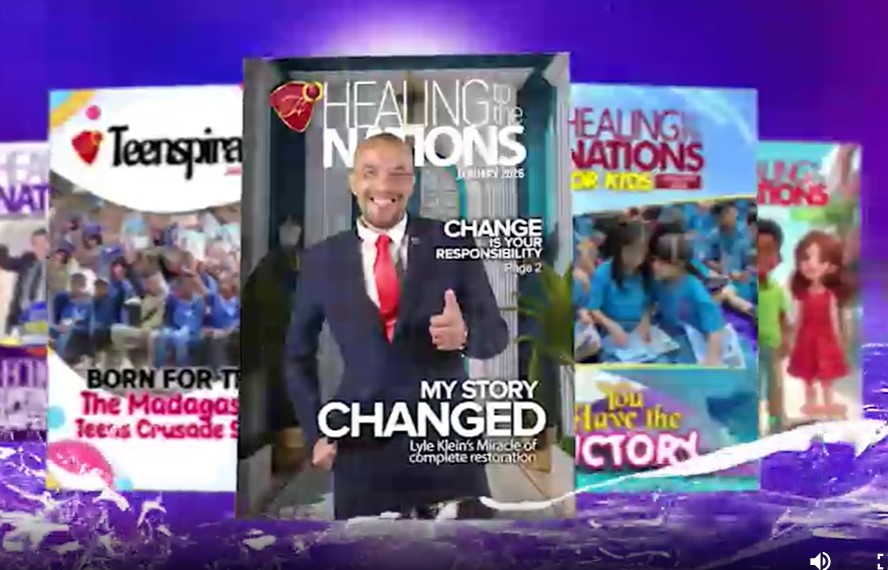
Reaching out with the HTTN Magazine
Program
Jan 27, 2026
PG
Reaching out with the HTTN Magazine
 Program
Jan 27, 2026
PG
The Race for the Last Man
Program
Jan 27, 2026
PG
The Race for the Last Man
 Program
Jan 15, 2026
PG
AN EXPOSÉ ON HEALING GRACES
Program
Jan 15, 2026
PG
AN EXPOSÉ ON HEALING GRACES
 Program
Jan 15, 2026
PG
March 2026 Healing Streams Trailer
Program
Jan 15, 2026
PG
March 2026 Healing Streams Trailer
 HSLHS
Oct 31, 2025
PG
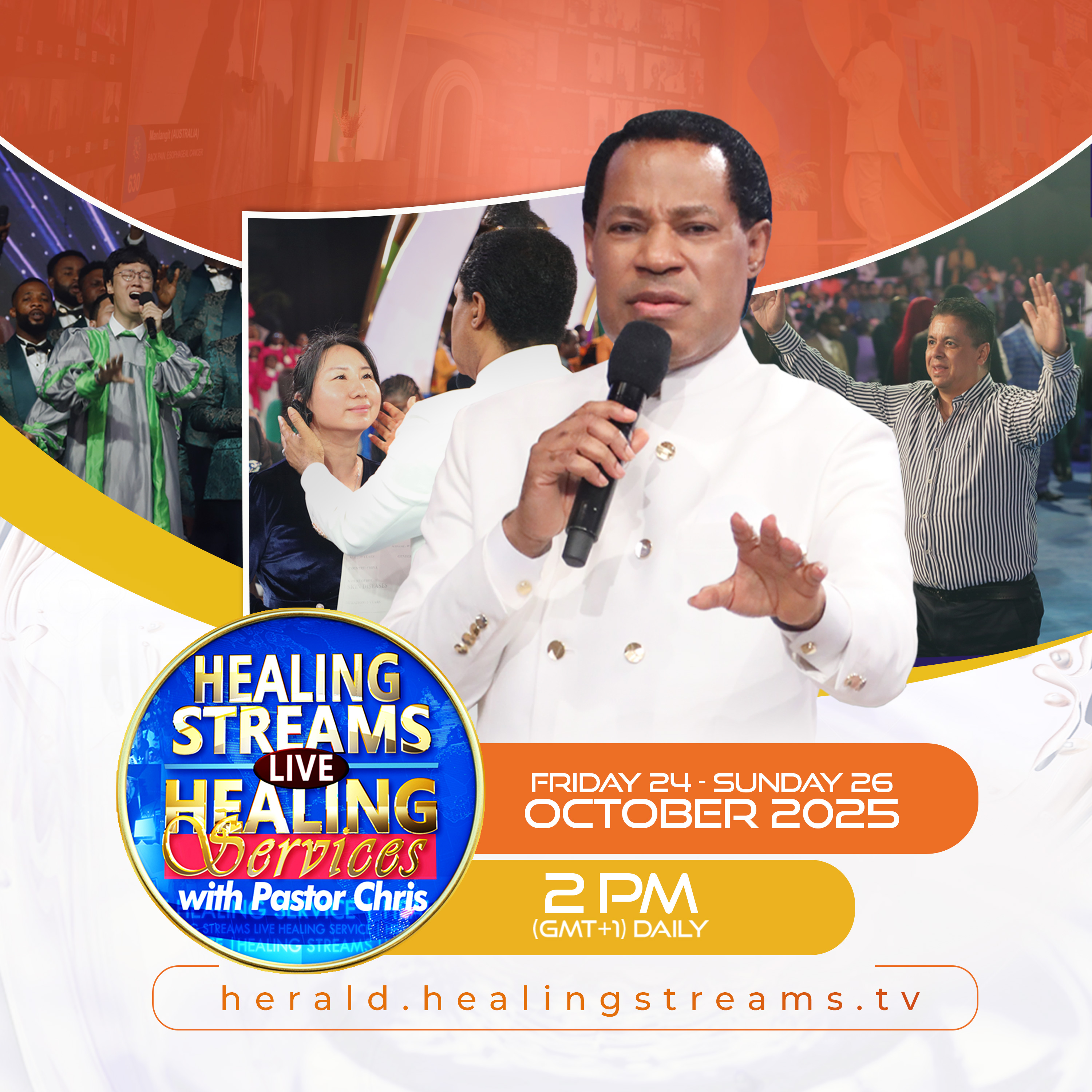
October 2025 HSLHS Day 2 | English
HSLHS
Oct 31, 2025
PG
October 2025 HSLHS Day 3 Highlights | English
HSLHS
Oct 31, 2025
PG
October 2025 HSLHS Day 1 Highlights | English
Live
Live
PG
October 2025 HSLHS Day 3 Live Broadcast
HSLHS
Oct 31, 2025
PG
October 2025 HSLHS Day 2 | English
HSLHS
Oct 31, 2025
PG
October 2025 HSLHS Day 3 Highlights | English
HSLHS
Oct 31, 2025
PG
October 2025 HSLHS Day 1 Highlights | English
Live
Live
PG
October 2025 HSLHS Day 3 Live Broadcast
 Program
Oct 3, 2025
PG
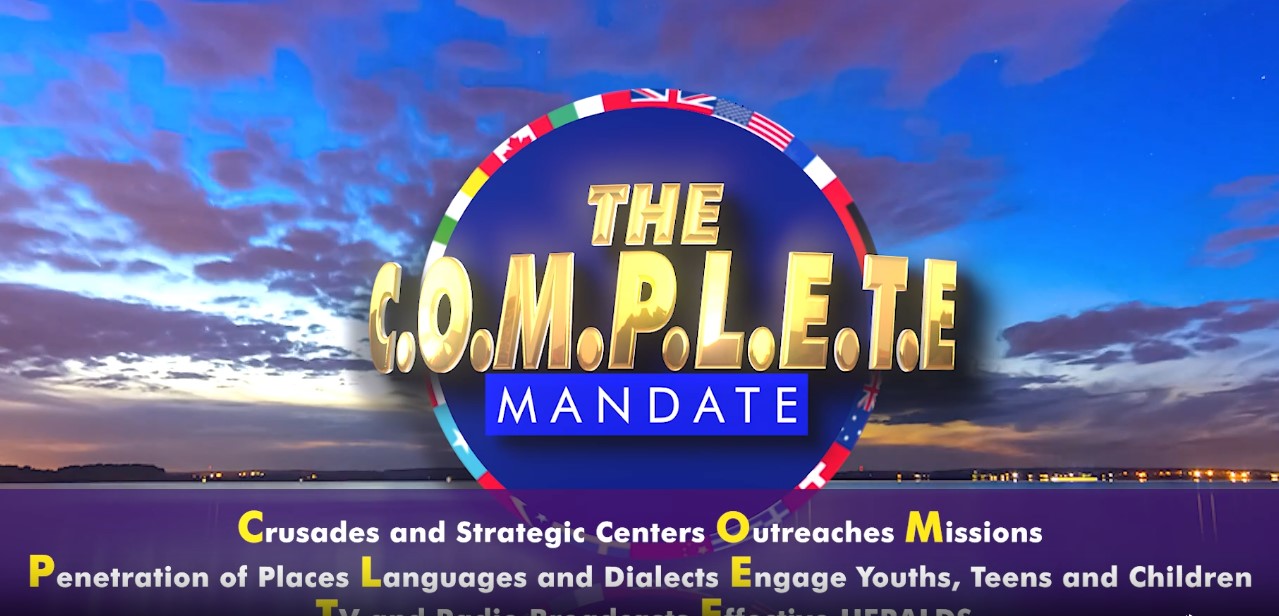
The COMPLETE Mandate promo
Program
Oct 3, 2025
PG
The COMPLETE Mandate promo
 Program
Sep 18, 2025
PG
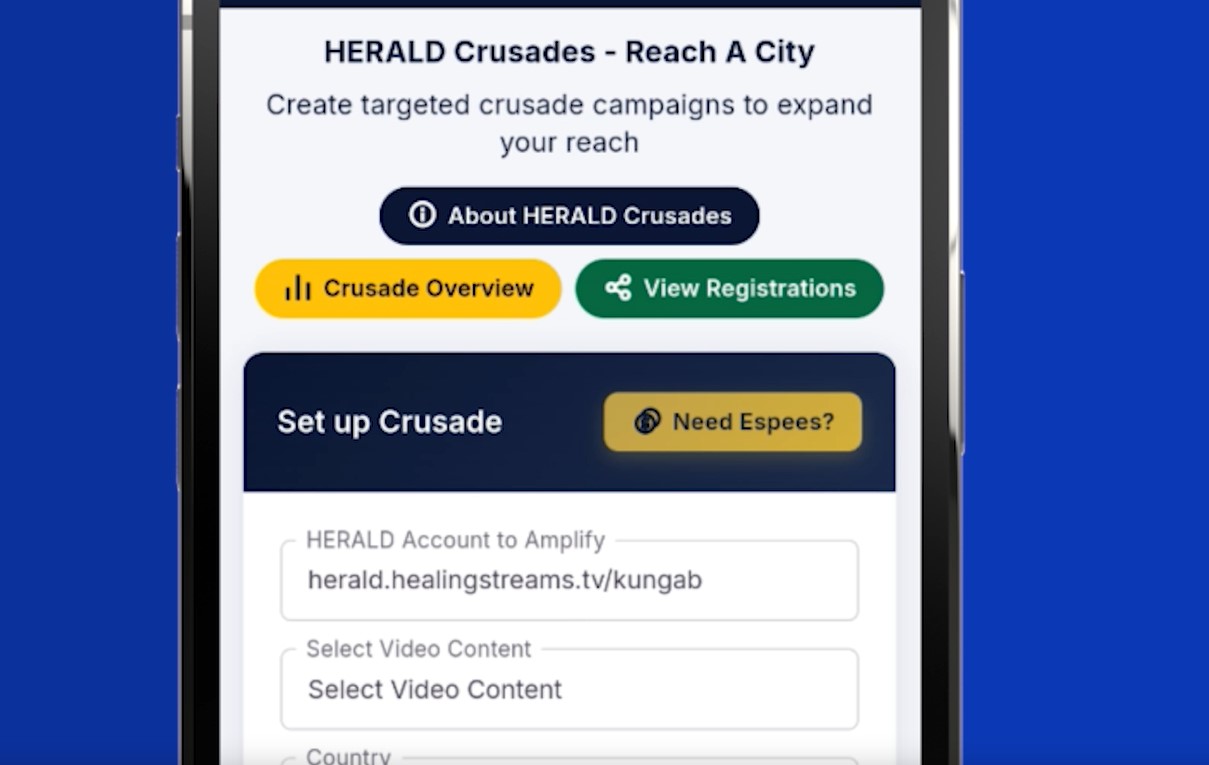
HERALD promo for Crusades
Program
Sep 18, 2025
PG
HERALD promo for Crusades
 HSLHS
Aug 1, 2025
PG
July 2025 HSLHS Day 3 Highlights - 1 hour
HSLHS
Aug 1, 2025
PG
July 2025 HSLHS Day 2 Highlights - 1 hour
HSLHS
Aug 1, 2025
PG
July 2025 HSLHS Day 1 Highlights - 1 hour
HSLHS
Aug 1, 2025
PG
July 2025 HSLHS Day 3 Highlights - 25 mins
HSLHS
Aug 1, 2025
PG
July 2025 HSLHS Highlights - Day 2
HSLHS
Aug 1, 2025
PG
July 2025 HSLHS Day 1 Highlights - 10 mins
HSLHS
Aug 1, 2025
PG
July 2025 HSLHS Day 3 Highlights - 1 hour
HSLHS
Aug 1, 2025
PG
July 2025 HSLHS Day 2 Highlights - 1 hour
HSLHS
Aug 1, 2025
PG
July 2025 HSLHS Day 1 Highlights - 1 hour
HSLHS
Aug 1, 2025
PG
July 2025 HSLHS Day 3 Highlights - 25 mins
HSLHS
Aug 1, 2025
PG
July 2025 HSLHS Highlights - Day 2
HSLHS
Aug 1, 2025
PG
July 2025 HSLHS Day 1 Highlights - 10 mins


Become a Herald
Create your account for a personal Herald link to invite others, track registrations, and join the Virtual Center.
Frequently asked questions
Herald Social is a one-of-a-kind platform that empowers you to impact your world with accountability. You can invite and register people for your meetings, church programs, and events, engage and connect with them physically or virtually to participate actively, and keep your outreach organized in one place.
If you already have a Healing School virtual center, prayer cloud, or healing center account, use Sign in as Herald. Otherwise, open the sign-up form. After successful registration, a unique HERALD link is generated so you can share and invite others.
Your Herald dashboard helps you manage activities with clarity. You can:
- Monitor the status and details of your registrations.
- Create streams and connect with meetings.
- Amplify your meetings globally beyond your immediate coverage.
Use Get Started in the hero or Open sign-up form under Become a Herald. The steps run inside a responsive modal. Finish personal details, ministry, country and state (state loads after you pick a country), then your referral name and password.
Choose Watch Live Program in the menu or go to the Virtual Center (Enter Virtual Center or LIVE PROGRAM in your Herald dashboard). Recommended on the homepage highlights picks; when you are signed in, those cards can take you straight to your VC player. Paste or schedule HLS-style stream URLs (.m3u8) on your meeting so the VC can play the feed.
Sign in to your Herald dashboard, then under My Meetings choose Create Meeting. Complete the meeting name, type, start and end date/time, description, optional promo clip, and banner image. Add your stream link (the URL your encoder or CDN provides—often an HLS
.m3u8 link). Submitting the form syncs the meeting to Herald’s program services so it can appear on your landing links and in the Virtual Center timeline.Use View Personal Meetings (and Group Meetings where available) to see status, stream link, schedule, banners, and headcounts. From there you can open flows to update meeting details. To widen reach beyond your immediate network, use Amplify your Meeting (Create Campaign) and track results under View Campaigns—both live under My Meetings in the dashboard menu.
Under My Registration, open View Registrations for people who joined through your Herald link or invites. On My Personal Meetings, each row shows Registered Invitees and Total participants so you can see turnout at a glance. For structured outreach and testimony reporting, your admin may also enable tools such as Outreach Report / testimonies upload pages—check your dashboard menu for what is active on your account.
We follow our published Privacy Policy and cookie practices. Submit only what you are comfortable sharing for registration.
Email info@herald.social or use the numbers in the top bar on larger screens.